
Here is only a suggestion: Reward Points function (demo function). To use real Reward Points, you need a 3rd party Shopify App.
Your items may arrive sooner than the estimated delivery date. Ralph Lauren reserves the right to send packages via other shipping methods based on the shipping destination as long as orders will still arrive within the arrival times outlined on RalphLauren.com.
When you choose the Economy delivery option, packages are delivered Monday through Saturday 8 AM to 4:30 PM. Orders sent by Fast, 2-Business-Day or Next-Day shipping methods are delivered Monday through Friday from 8 AM to 4:30 PM.
We recommend choosing Fast or Next-Day delivery if you are shipping your package to a business address. You will be asked to provide a telephone number on the shipping page of checkout, which is important in the event the courier needs to arrange a delivery time with you.
You will also be asked to provide an email address, to which we will send confirmation that your order was placed.
Couldn't load pickup availability
Description:
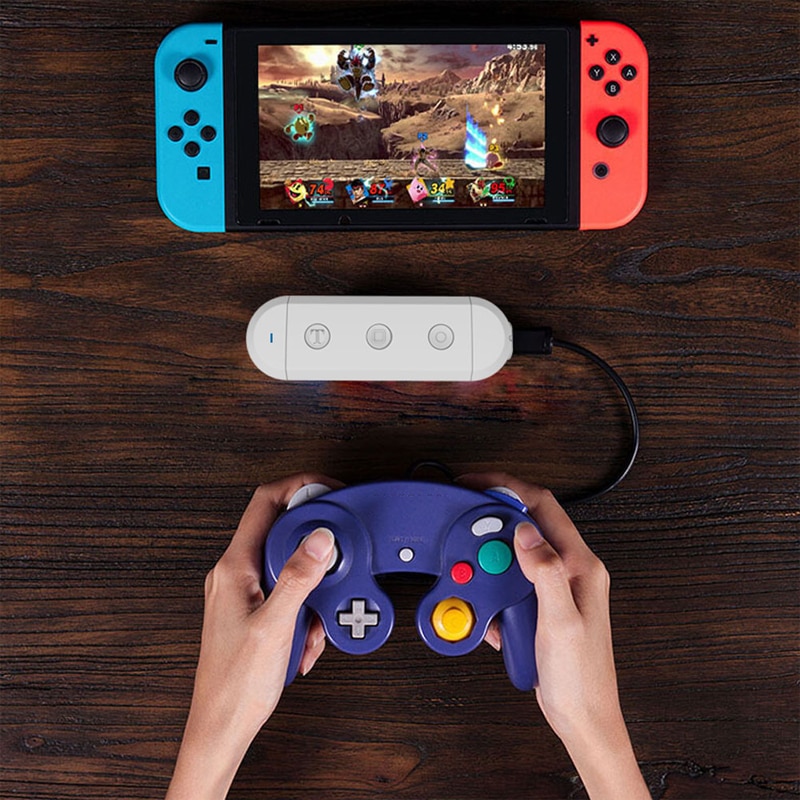
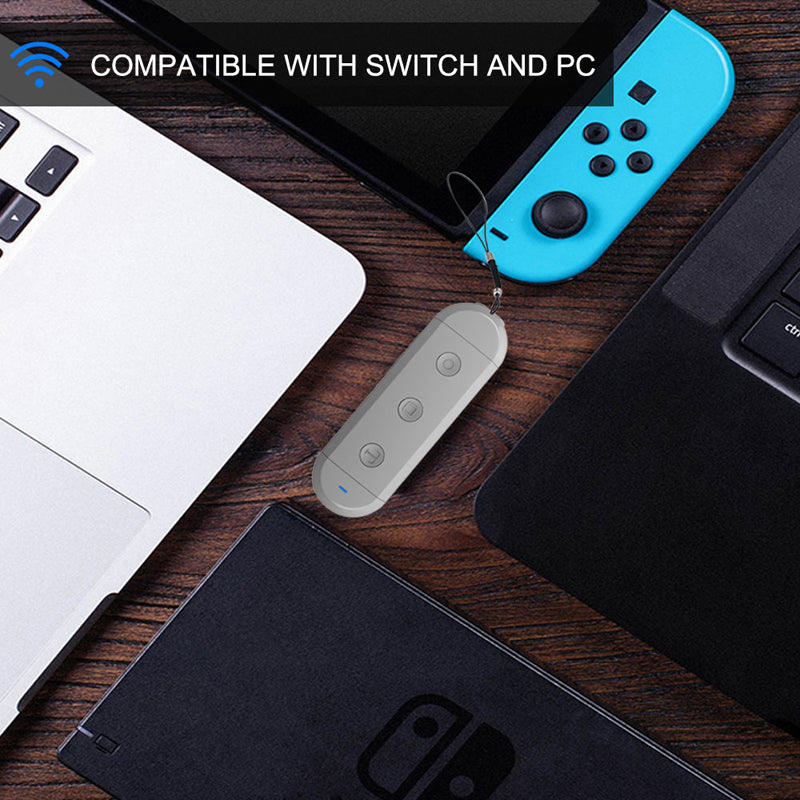
How to complete the first connection with Switch
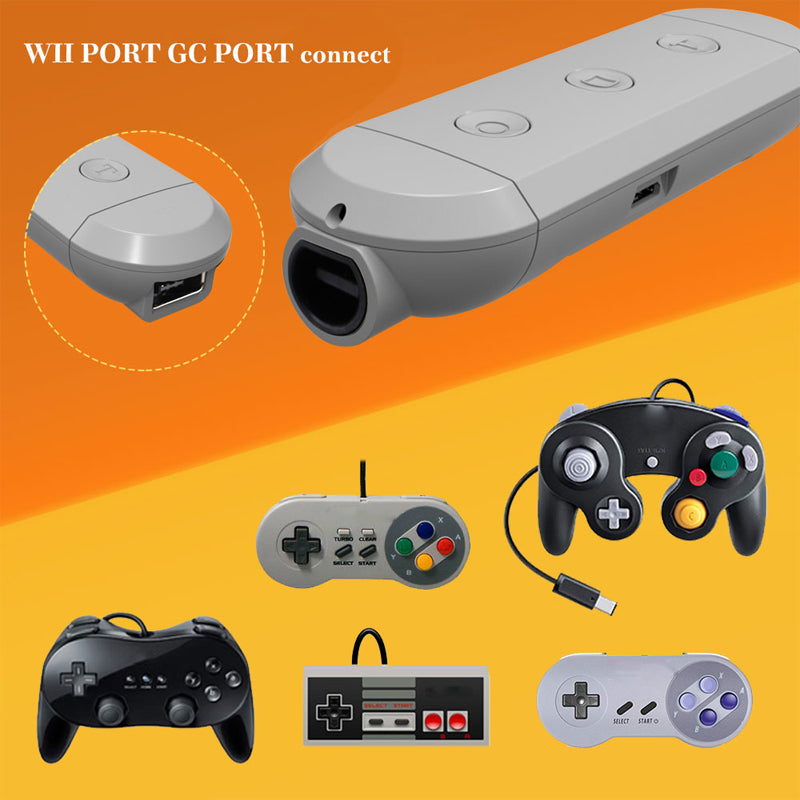
1.Connect your wired controller to the Adapter
2.Go into Nintendo Switch's controller pair settings
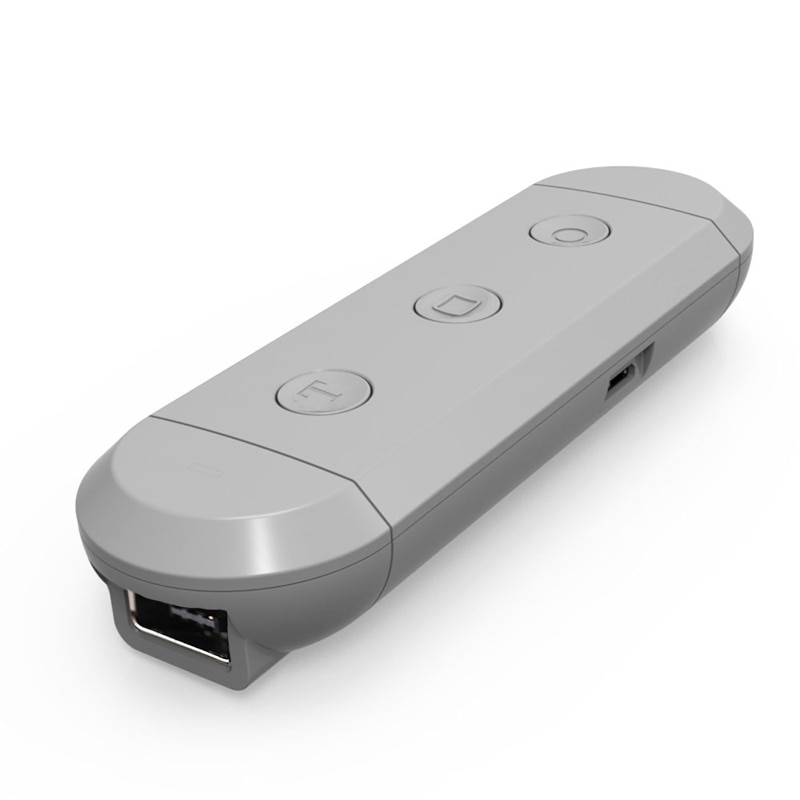
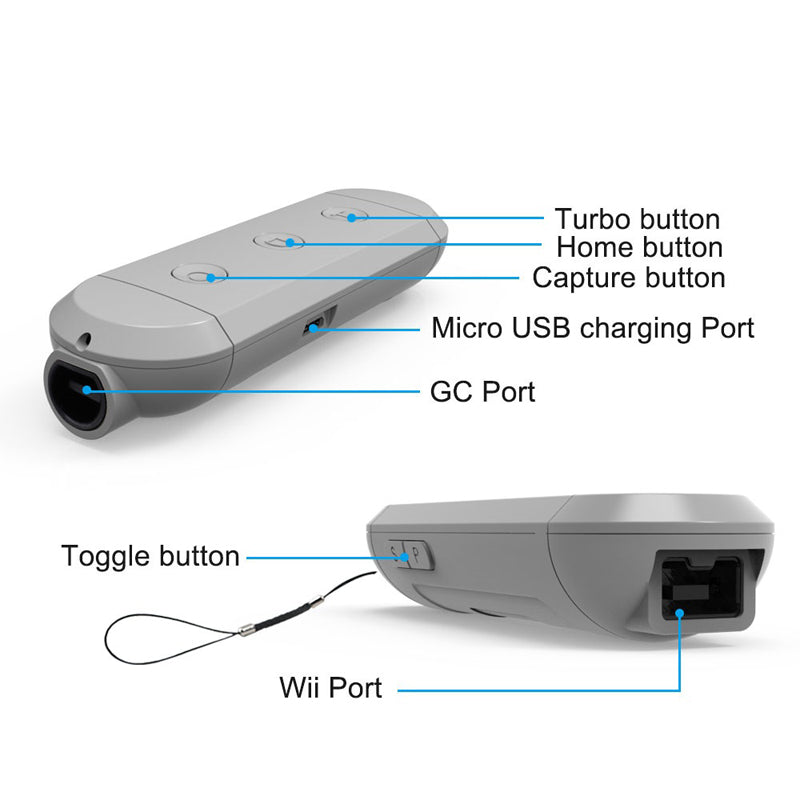
3.Press and hold the [s] button on the side of Adapter,then press [HOME] Button on the Adapter
4.Adapter enter into Pair Mode,LED light should quickly flash
5.LED will become solid when connection is successful
How to wake up your controller on switch
After the controller has completed the first connection, the next time you want play with this controller you should wake up it.
1.Turn on your Switch
2.Connect your wired controller to the Adapter
3.Press and Hold the [HOME] Button on the Adapter for 3 seconds
4.Adapter enter into Pair Mode ,LED light should quickly flash
5.LED will become solid when connection is successful
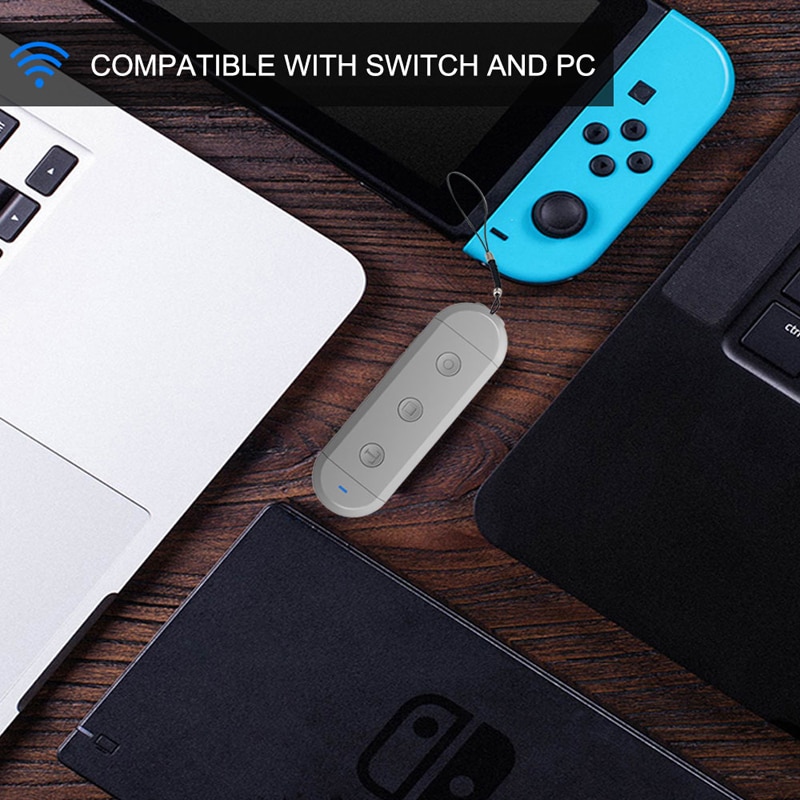
How to complete the first connection with PC
1.Connect your wired controller to the Adapter
2.Go into Widows device's Bluetooth settings,Enable Bluetooth Settings pair with [JYS SX Adapter]
3.Press and hold the [p] button on the side of Adapter,then press [HOME] Button on the Adapter
4.Adapter enter into Pair Mode,LED light should quickly flash
5.LED will become solid when connection is successful
How to wake up your controller on PC
1.Turn on your PC and Enable PC's Bluetooth Settings
2.Connect your wired controller to the Adapter
3.Press and Hold the [HOME] Button on the Adapter for 3 seconds
4.Adapter enter into Pair Mode ,LED light should quickly flash
5. LED will become solid when connection is successful
Details:
Package included:
1 x Wireless Adapter
1 x USB Charging Cable
1 x Instruction